1
Start with the passage
Open any chapter and read normally.
Read -> Tap a verse -> Ask -> Understand
Read any passage. Tap a verse. Ask a question. Get a clear answer with context.
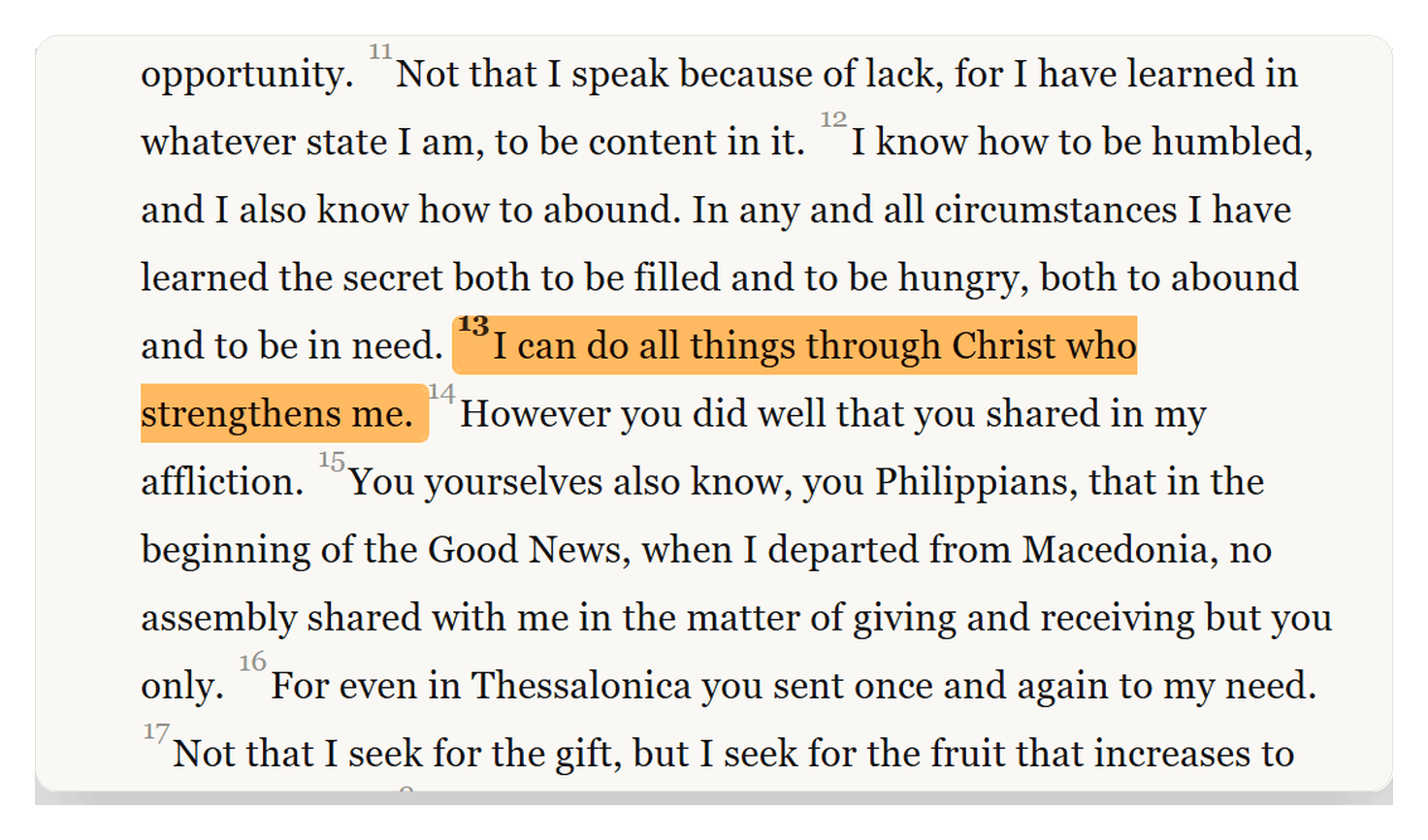
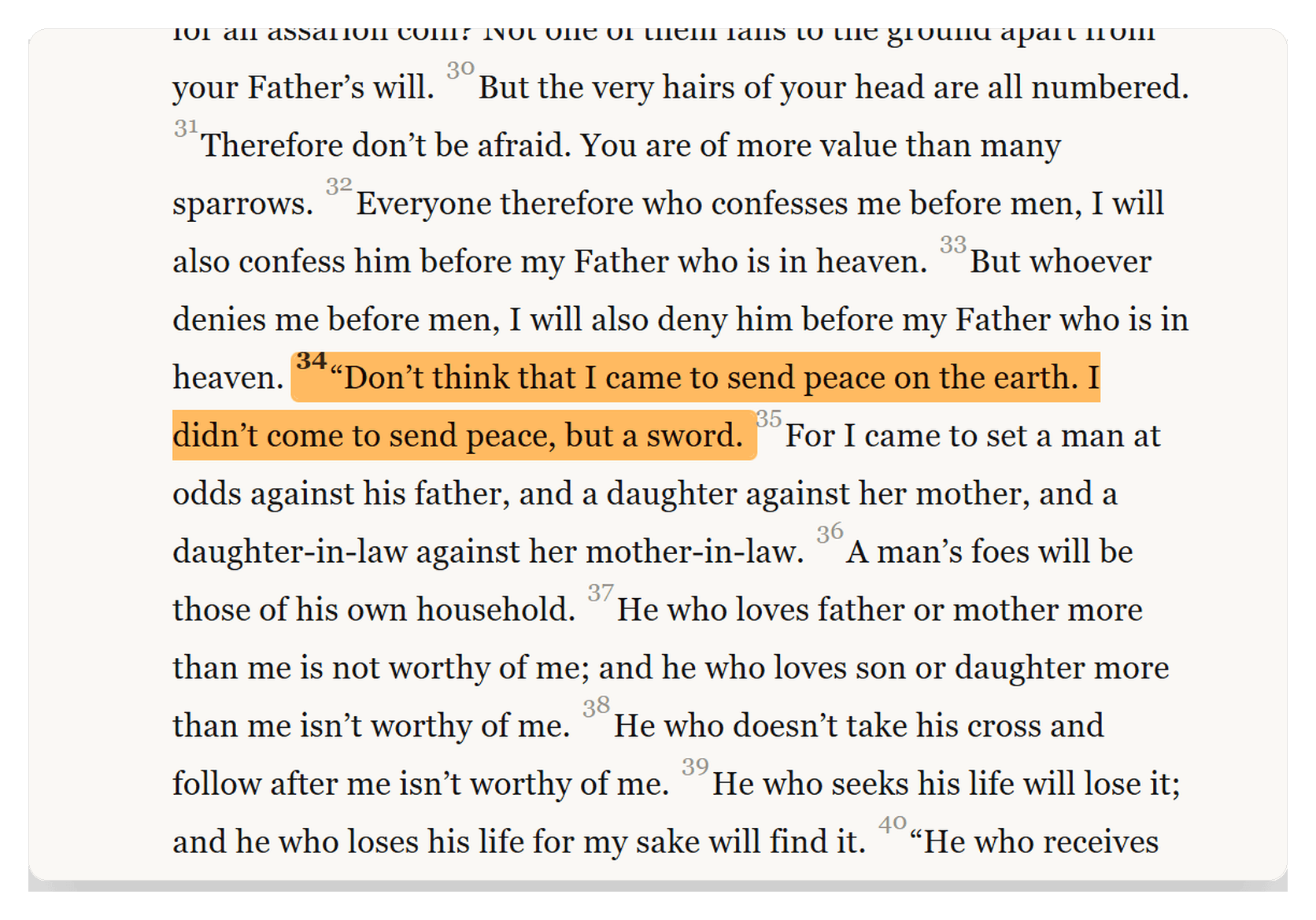
Read.
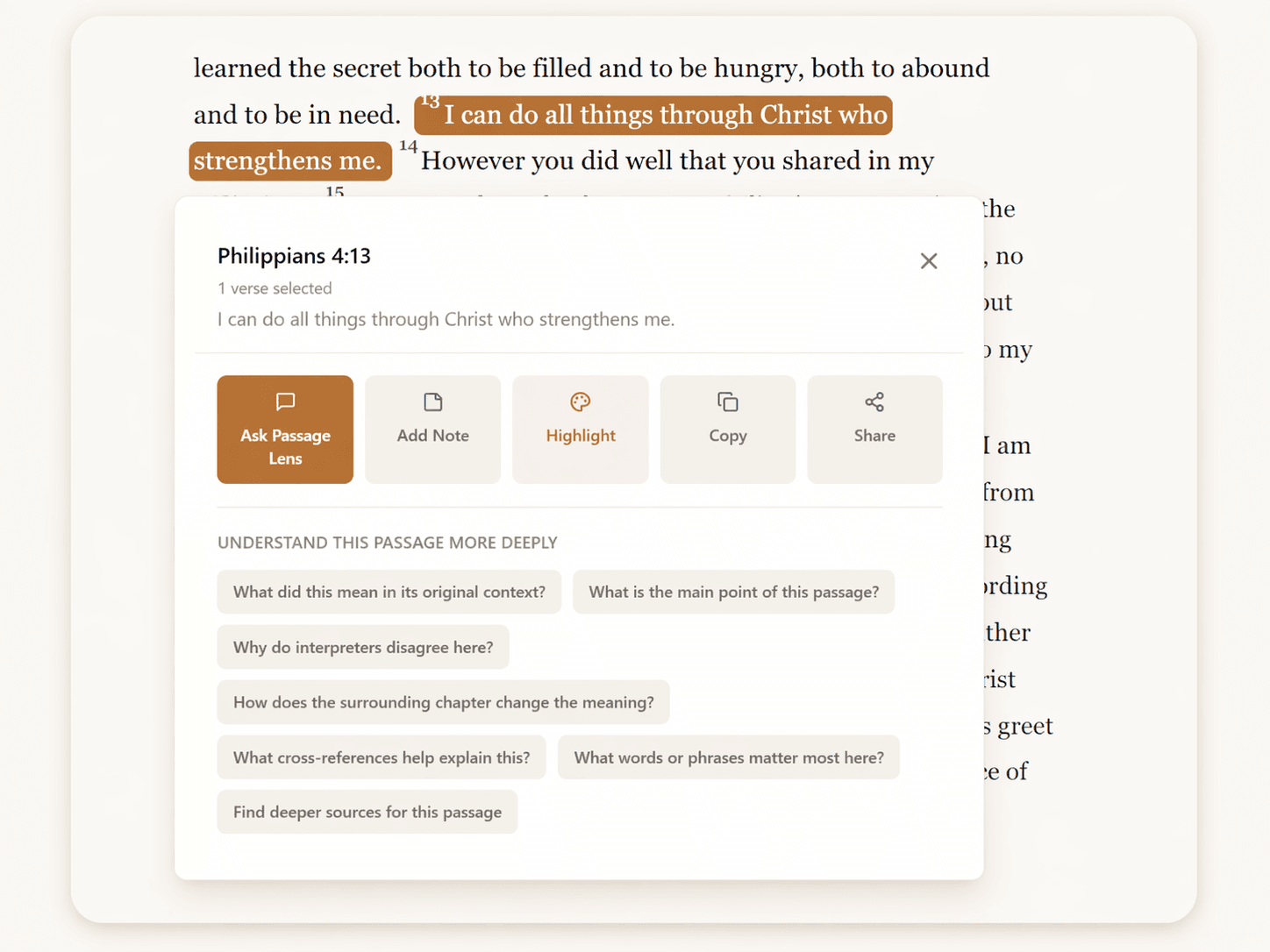
Ask.
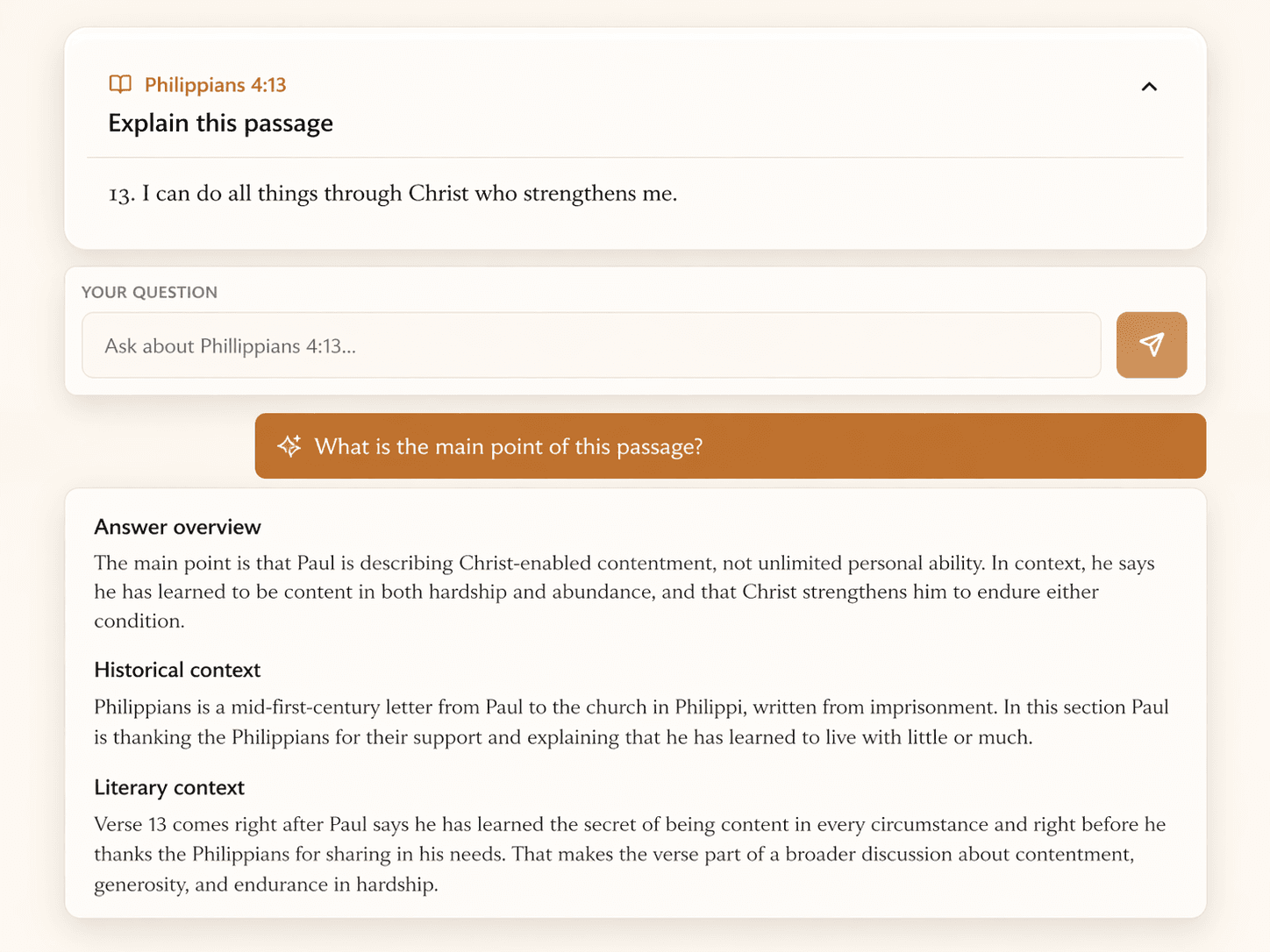
Understand.
The workflow
Open any chapter and read normally.
Open actions right where you get stuck.
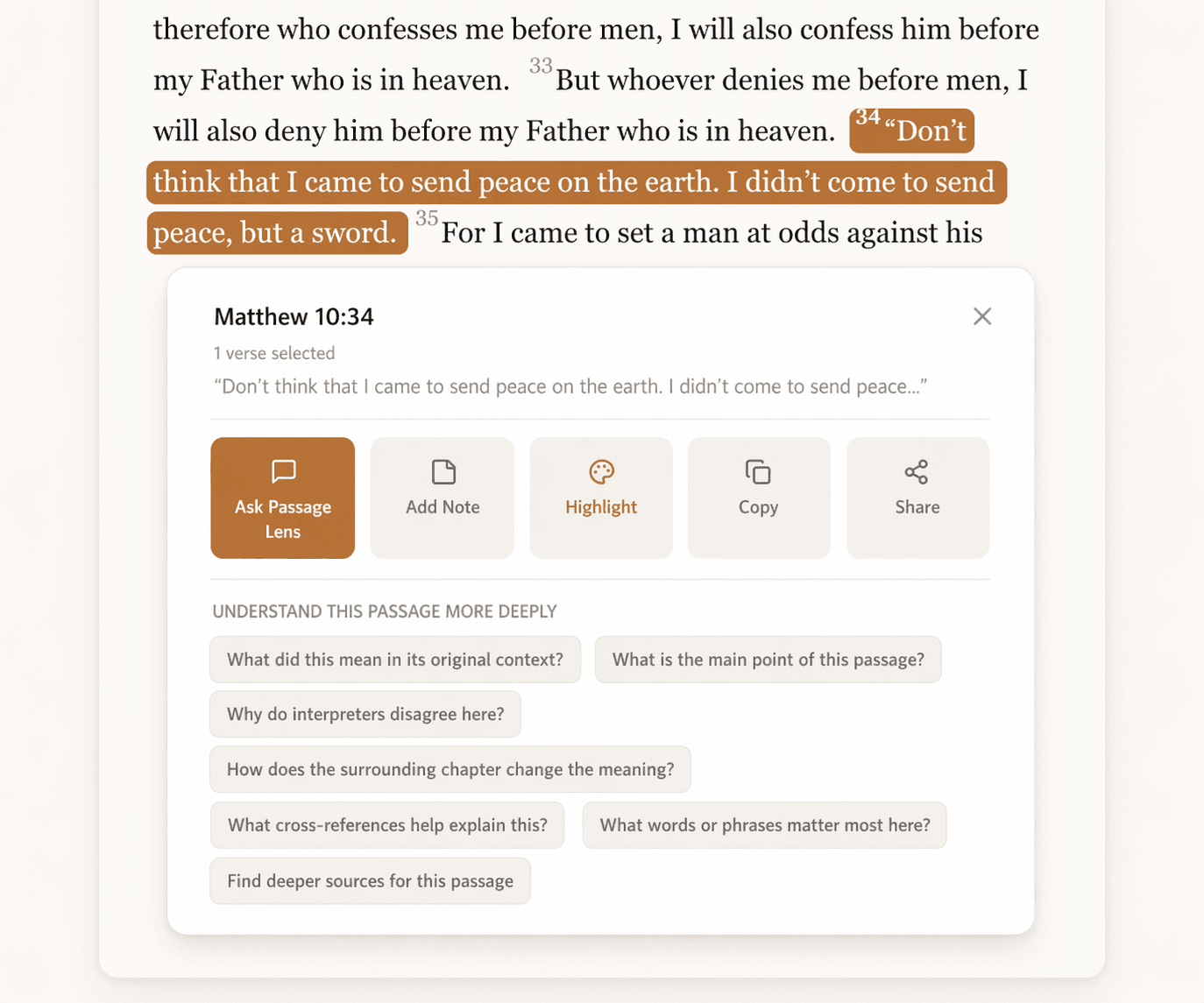
Use a preset or type your own.
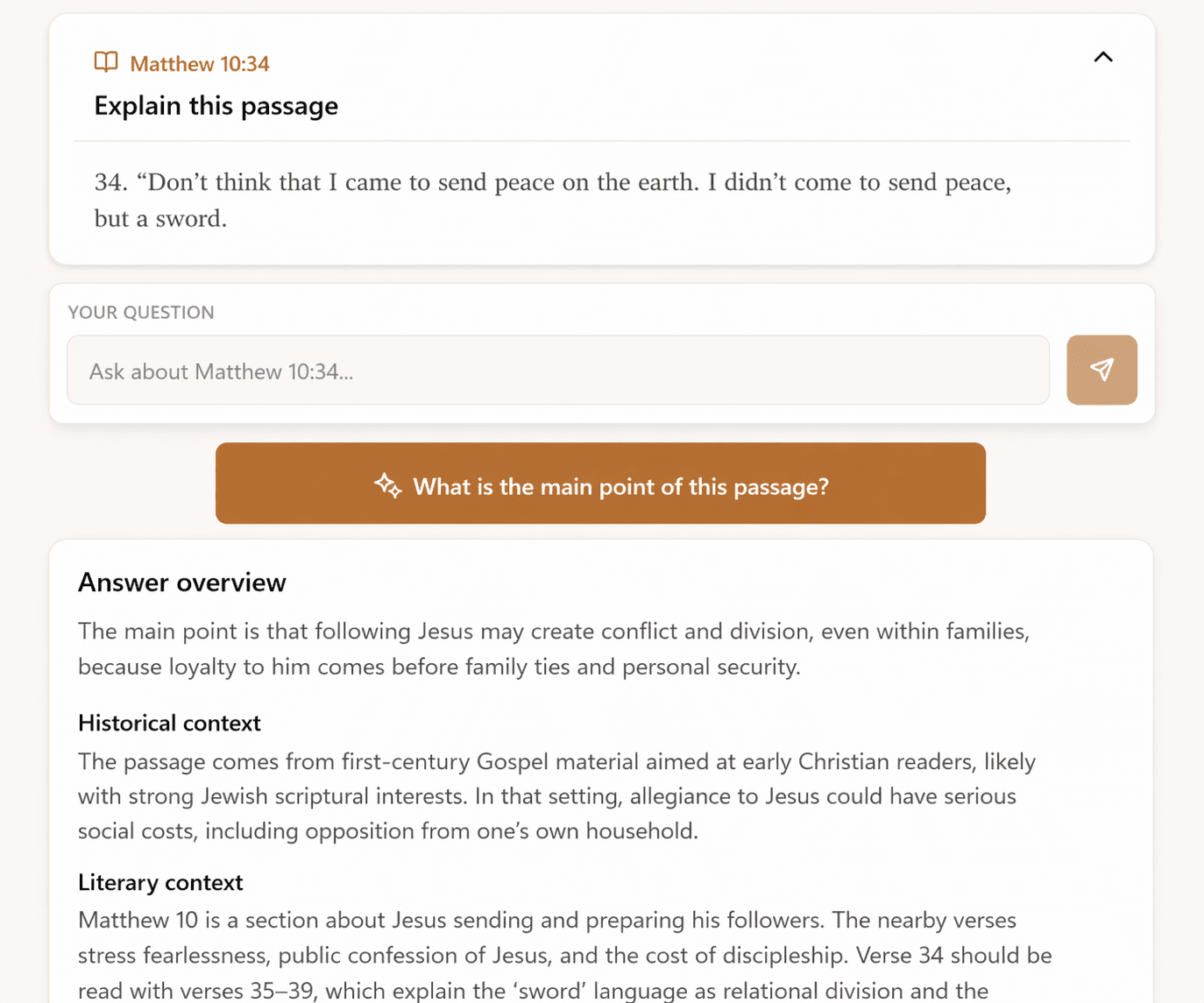
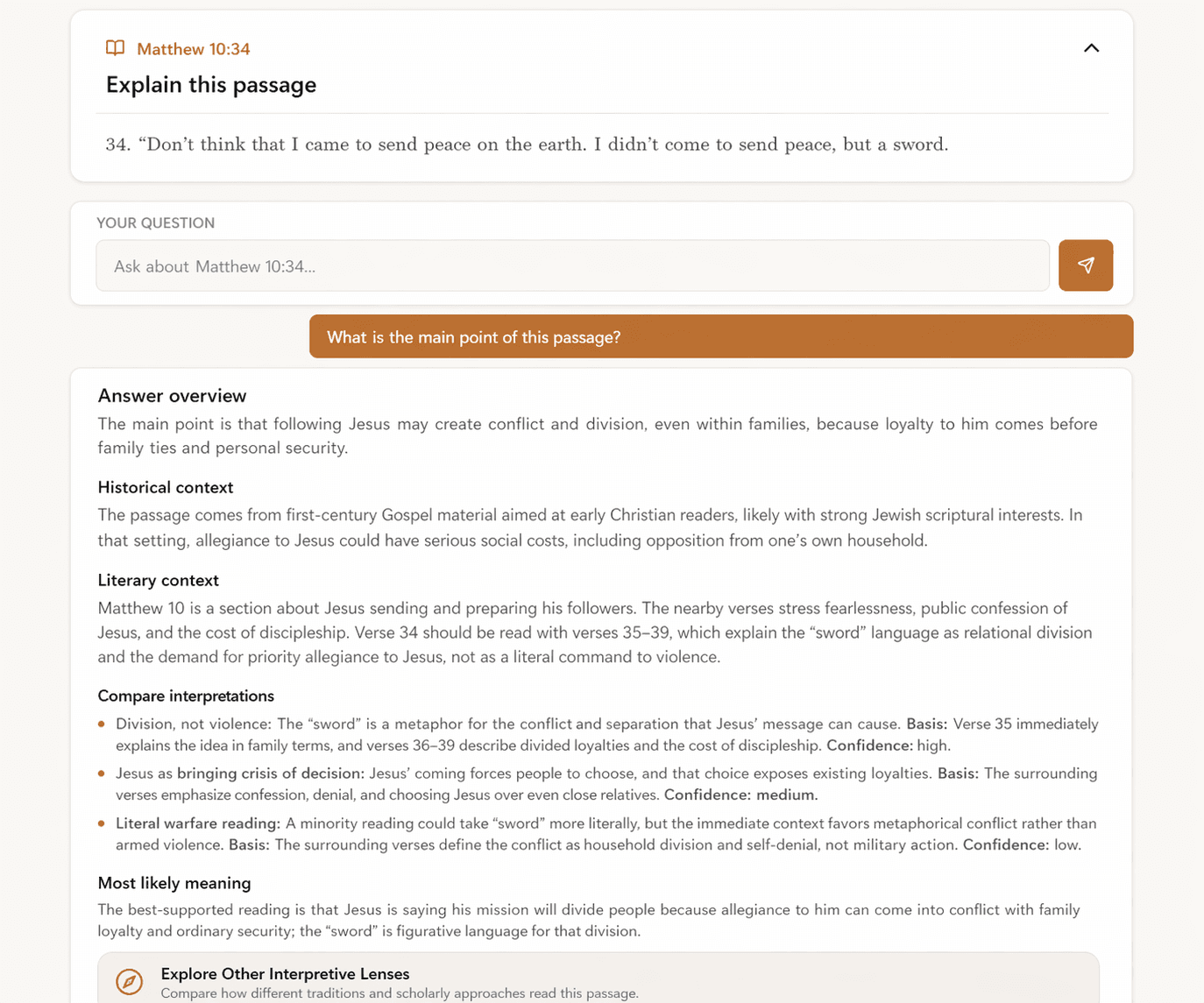
See the likely meaning, context, and comparisons.
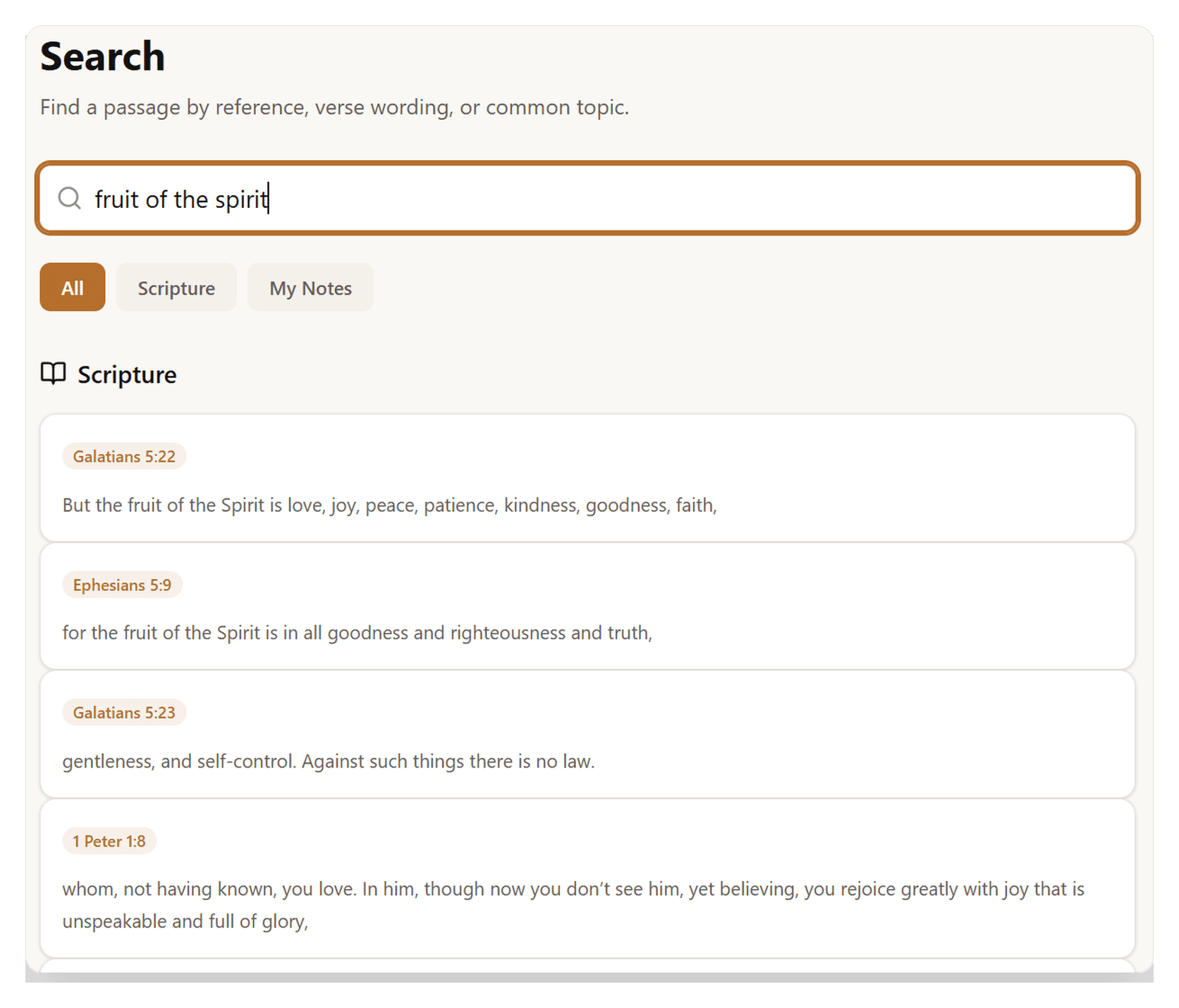
Find passages even when you don't know the reference.
Highlights and notes stay tied to the passage. Pro adds quick paths to compare other interpretive lenses from directly inside the answer screen.
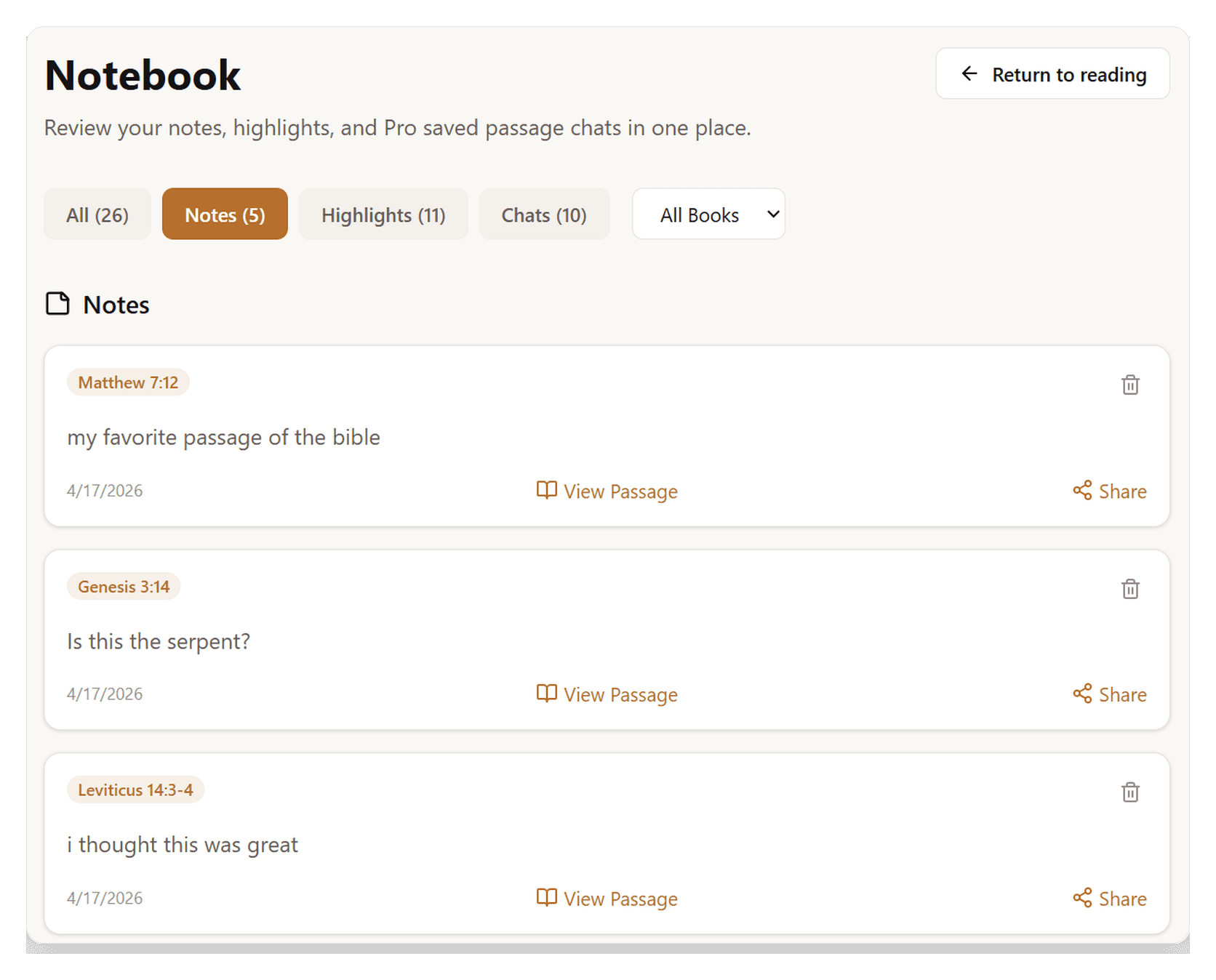
Reading is open to everyone. Free account required to ask questions and save notes.
Read the entire Bible without an account. Free membership gives you 5 daily questions answered plus saved notes, highlights, and basic study tools. Pro accelerates your learning with deeper study workflows and immediate access to other interpretive lenses.